


How I built a working retail‑news app without coding skills—and what it taught me about APIs, PWAs, and shipping speed
On a Saturday morning I set myself a small, slightly unfair challenge: could I build a useful iPhone “app” without knowing how to program? Not a demo that looks good in screenshots, a real, working product that fetches live data, remembers user settings, and can be installed on a phone.
At the same time, I wanted to pressure‑test something we’ve been building for years: the Fiscal Requirements Portal API. If our news and alerts are truly easy to integrate, the fastest way to prove it is to let a non‑developer try.
The rule was simple: one day.
If I still had an unfinished project by dinner, the experiment would be a failure.
The bet: “no code,” real output
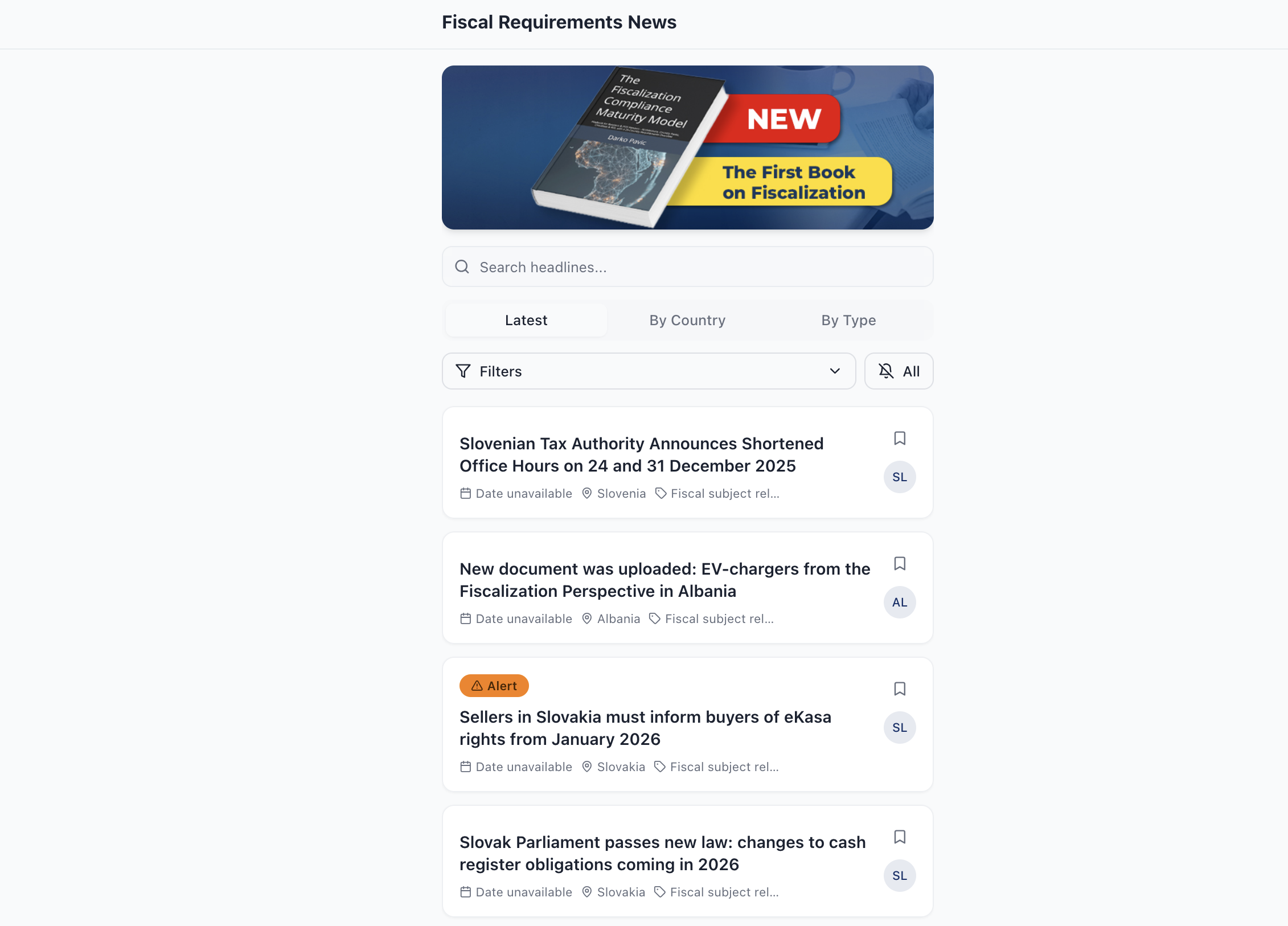
I started with a clear target. The app would display the latest news and alerts from our portal, and let users filter by country and by type. It would also remember preferences locally so that the next time you open it, you don’t have to set everything up again.
This is exactly the kind of workflow retail and POS teams live in: a steady stream of regulatory changes, the need to slice information by market, and the constant demand for faster decisions.
The first breakthrough: the prompt is the product
The first step wasn’t opening an IDE. It was writing a prompt. I fed ChatGPT three ingredients: the goal, the banner image that should appear on top of the screen, and the portal API description. Within seconds I had a structured build spec that could be pasted into Lovable.dev.
That moment matters. When documentation is strong, and the request is precise, AI can do what used to take a developer a full day: translate intent into an implementation plan.
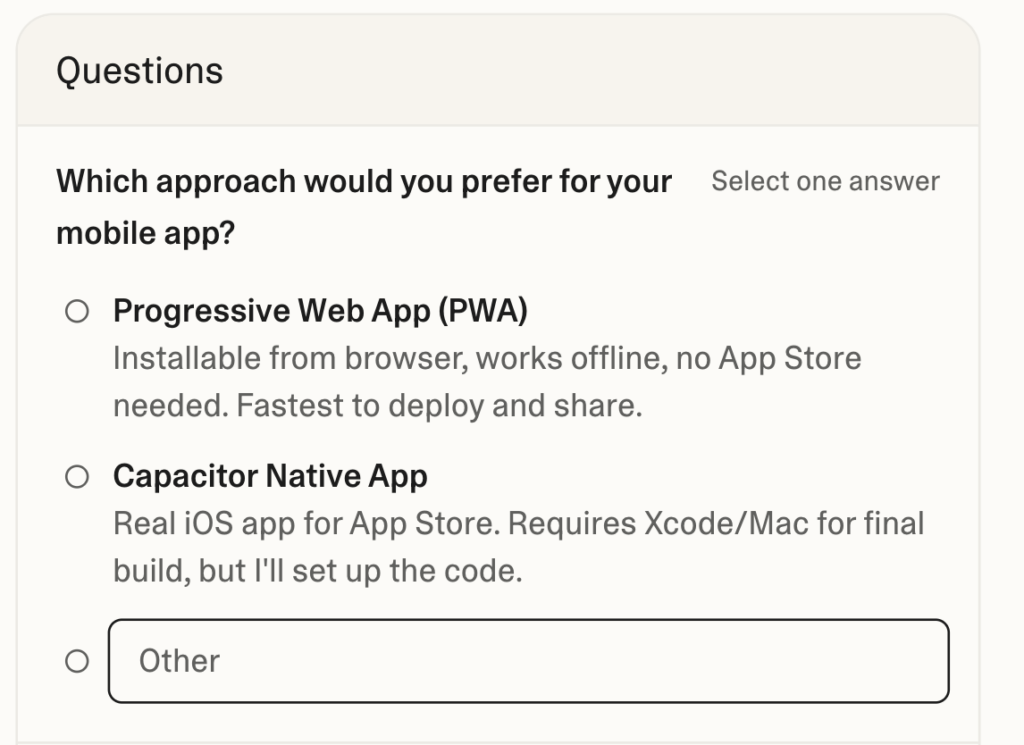
Figure 1. Lovable forces an early strategic decision: ship fast as a PWA, or wrap it as a native app later.
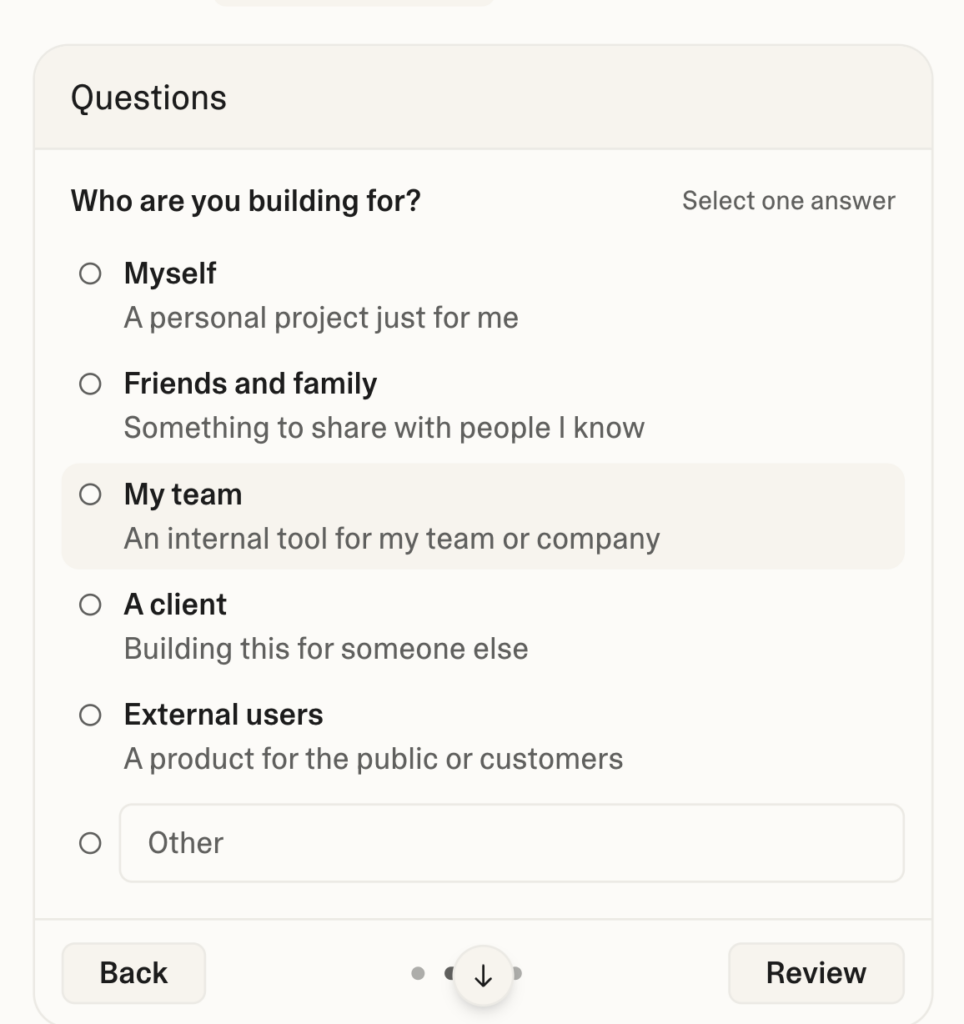
Figure 2. Another key question: are you building for yourself, a team, or external users?
Why I chose a PWA
In theory, I wanted a native iPhone app. In practice, I wanted speed. A Progressive Web App (PWA) is a website that behaves like an app: it runs in the browser, but can be installed on the Home Screen, launches full‑screen, and can cache content for faster load times.
For a weekend experiment, a PWA is the shortest runway. There’s no App Store submission, no review cycle, and no dependency on Xcode. You ship by deploying static files, the same way you publish a normal website.
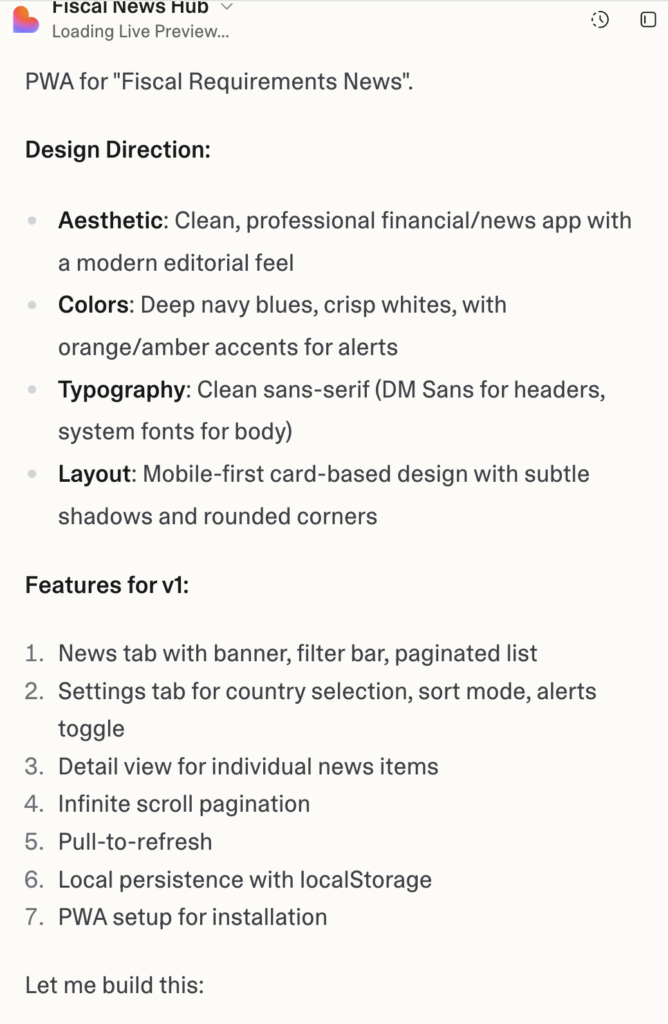
Figure 3. From one prompt to a concrete v1 blueprint—design direction and feature set generated automatically.
The surprising part: shipping is addictive
Once the first version worked, something unexpected happened. I stopped thinking like a project manager and started thinking like a gamer. Lovable suggested improvements. I clicked. Then it suggested another. I clicked again. In minutes, I had filters, a detail view, local persistence, and a more polished UI than I would ever have designed myself.
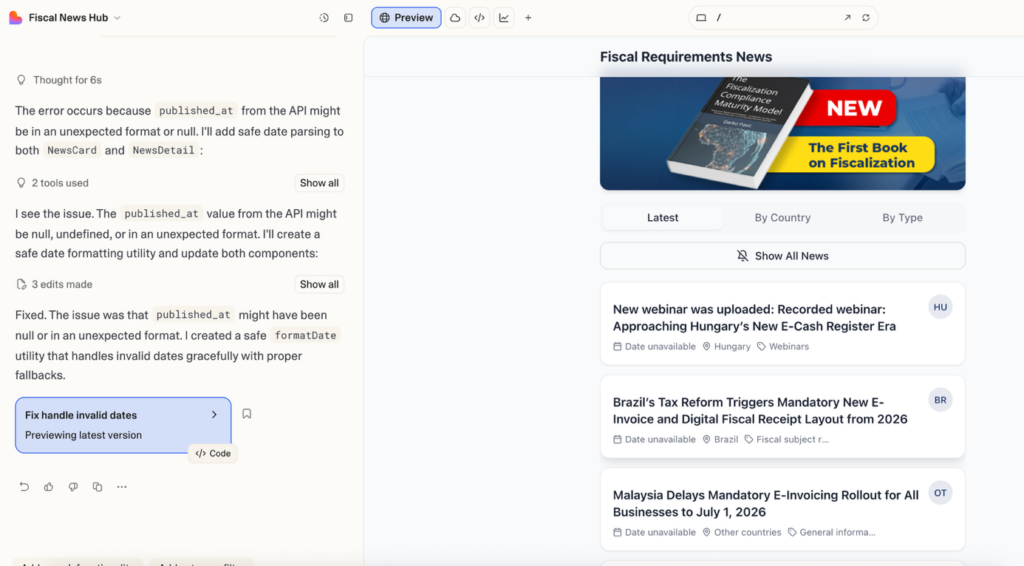
Figure 4. A live preview with real portal data—banner, tabs, cards, and filters working within minutes.
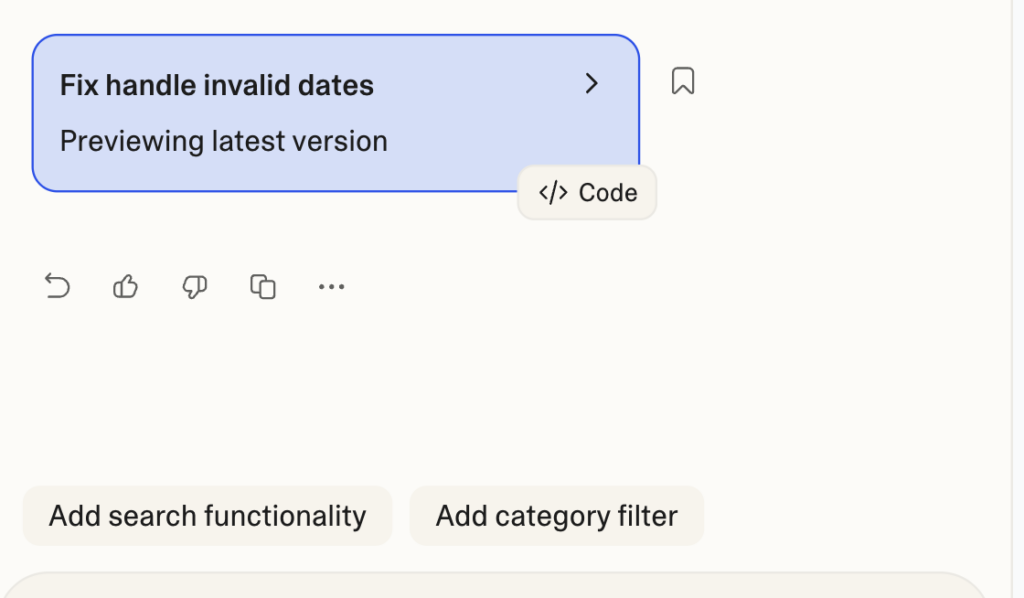
Figure 5. Feature creep, the fun version: AI keeps proposing upgrades—and you keep saying yes.
This is where the ‘vibe’ in vibe coding becomes real. You stay in the flow, you describe what you want, and the tool implements it. It feels less like coding and more like directing.
Deployment: where reality still wins
Building the app took minutes. Deploying it took longer, and that’s the honest part of the story. Software still has to live somewhere, and “somewhere” has opinions: folder paths, permissions, caching, routing rules.
I wanted the app to run under a subfolder on my own site, not on a managed platform. That’s a common enterprise constraint, and it’s also where many quick demos break.
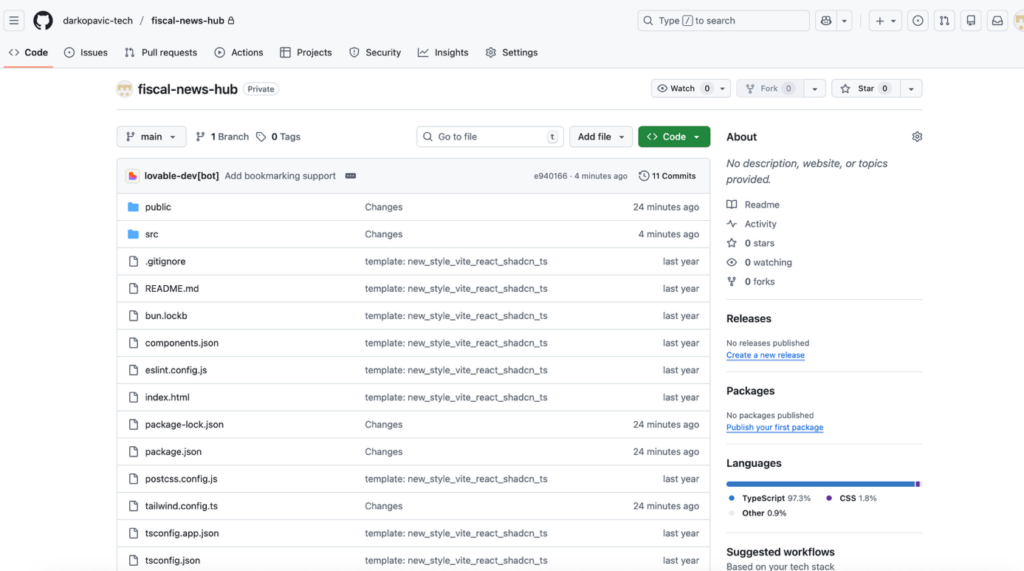
Figure 6. Connecting the project to GitHub makes deployment repeatable and versioned.
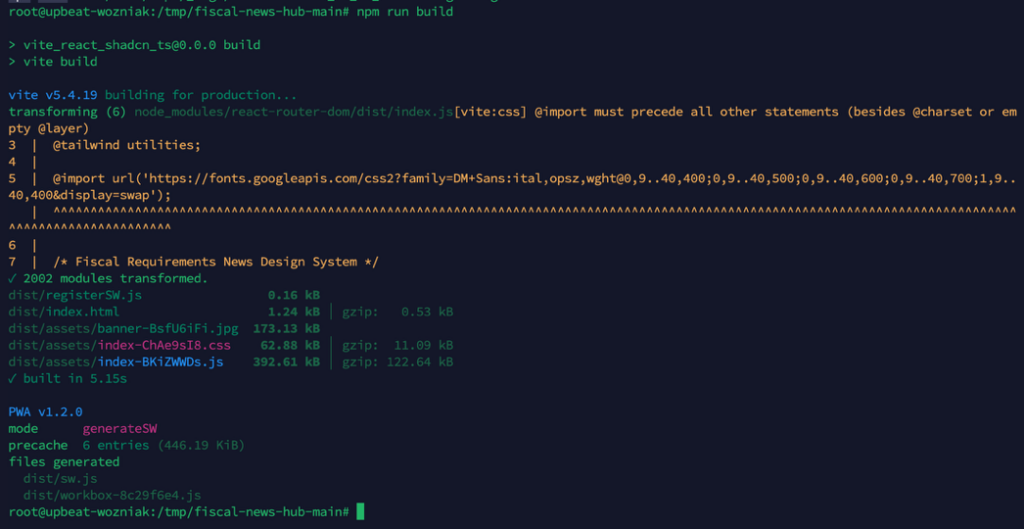
Figure 7. The build step produces the deployable ‘dist’ bundle: static HTML, JS, CSS, and the service worker.
The biggest issue was routing. A single‑page app can show a clean URL like “/by‑country”, but your server must still return index.html for that path. If you deploy into a subfolder, you also need to teach the app its base path, or it will look for assets in the wrong place and throw 404s.
AI helped here too. I shared screenshots of the errors, explained my hosting setup, and asked for a minimal fix. That’s an underrated skill: learning how to ask for the right next step when you don’t have the full mental model.
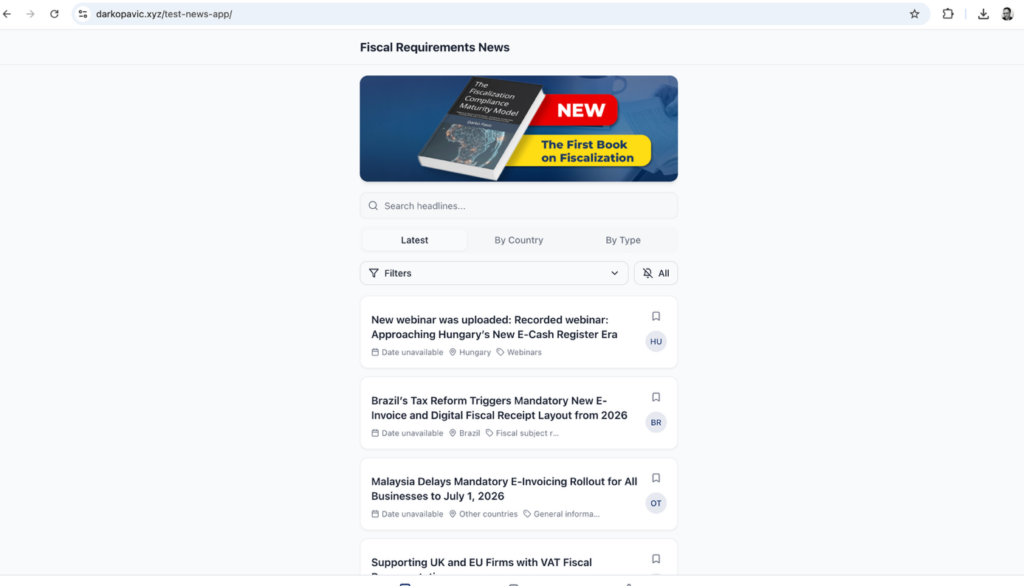
Figure 8. The finished result running from a subfolder—exactly the kind of deployment reality enterprise teams face.
How to repeat the experiment
If you want to run the same test, whether for a portal, a data product, or an internal API, here’s the playbook in plain language.
Start by choosing a small, high‑value surface area. News feeds, alerts, status dashboards, and knowledge bases work well because they are read‑heavy and workflow‑light. Then collect the three inputs the AI needs: the API documentation, a clear list of filters or views, and a deployment target (a domain or subfolder).
When you write your prompt for Lovable (or any similar builder), aim for specificity without noise. Say what the app must do, what it must remember locally, and how it should authenticate. If your API uses tokens, treat them like passwords: don’t hardcode them in public code, and don’t paste them into screenshots that will be shared.
A simple, reusable prompt pattern looks like this:
Build a Progressive Web App called “<APP NAME>”.
It fetches items from <API ENDPOINT(S)> using Bearer token auth.
Users can filter by <COUNTRY> and <TYPE>, and the app remembers settings locally.
Deploy it under <BASE PATH>, so all routes and assets work in a subfolder.
Once you have a working version, connect it to GitHub. That turns the project from a one‑off experiment into something you can iterate safely. Build the production bundle, upload the output folder to your web server, and confirm it runs over HTTPS.
Finally, install it on iPhone the way Apple intended PWAs to be installed: open the link in Safari, tap the Share icon, choose “Add to Home Screen,” and confirm. In ten seconds, it behaves like any other app on your phone.
What this taught me about APIs and product growth
The most important lesson wasn’t about PWAs or routing. It was about distribution. A good API is no longer just a technical feature, it’s a growth channel.
If an API is consistent, predictable, and documented with real examples, the barrier to integration collapses. Suddenly the person building a working prototype might be a founder, a consultant, a product manager, or a retailer’s compliance lead, not a developer.
That has a strategic implication for every company that publishes data: treat your API like a product. The easier it is to consume, the faster your ecosystem grows.
A small invitation
If you want to see the result of my weekend experiment, the demo runs as a PWA at: https://www.darkopavic.xyz/test-news-app/
Open it on an iPhone, add it to your Home Screen, and you’ll understand why this workflow feels like a turning point.
(I will keep it working for 30 days with full access to all news from our fiscal portal https://www.fiscal-requirements.com)
And if you’re building your own data product, try the same challenge: pick one weekend, set a clear goal, and let the tools surprise you. The point isn’t to replace engineering. The point is to compress the distance between idea and proof.